Dev License: This installation of WHMCS is running under a Development License and is not authorized to be used for production use. Please report any cases of abuse to abuse@whmcs.com
Adding a domain in cPanel
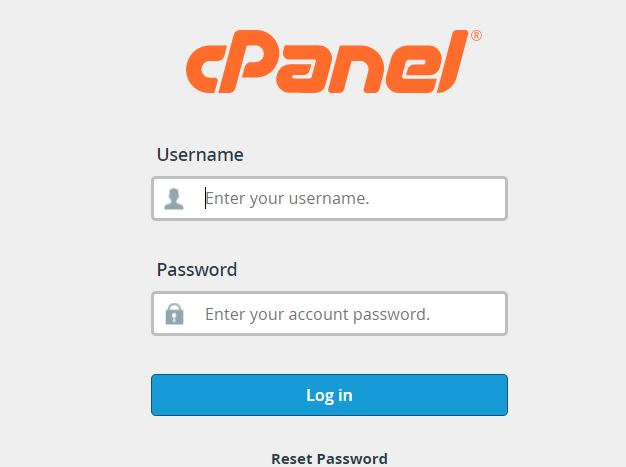
- Under domains click on Domains.
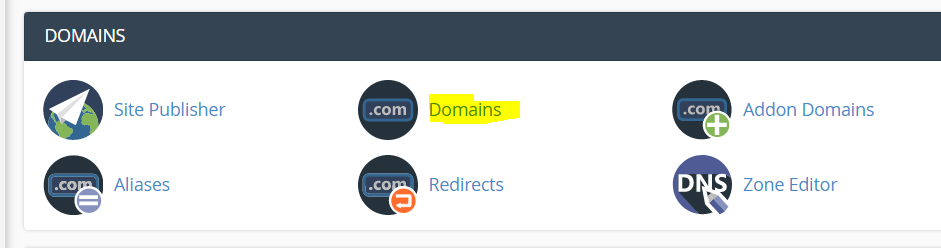
- Click on "Create" a new domain

- Add in your domains Do not add www before the domains. Simply add it as "example.co.za"
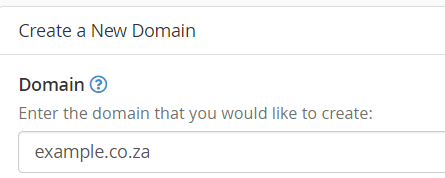
- Choose where you want the files to root to or you can leave it to the default, eg /home/olgwxnsf/public_html
- Click on Submit to save the domain
- Please check that the added domain's name servers are point to Cybersmart's servers
- adding, domain
- 0 用戶發現這個有用
Powered by WHMCompleteSolution