How to change Cpanel password
This guide will take you through the steps of changing your control panel password through the Client Arae.
- Log in to your Client Area.
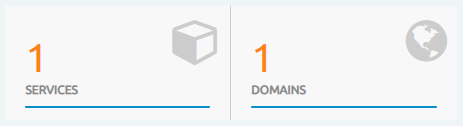
- Click on “Services” once you are logged in.
- Click on the active option next to the package you wish to change

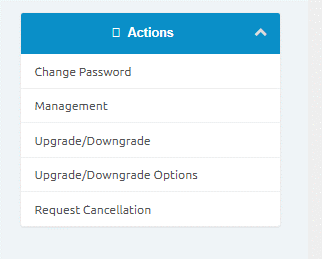
Click on Change Password.
Please be use an Alphanumeric password. The password must be 12 characters long and contain at least 1 uppercase letter, 1 lower case letter, a number and a special character eg: P@5sw0rd! ( do not use this)