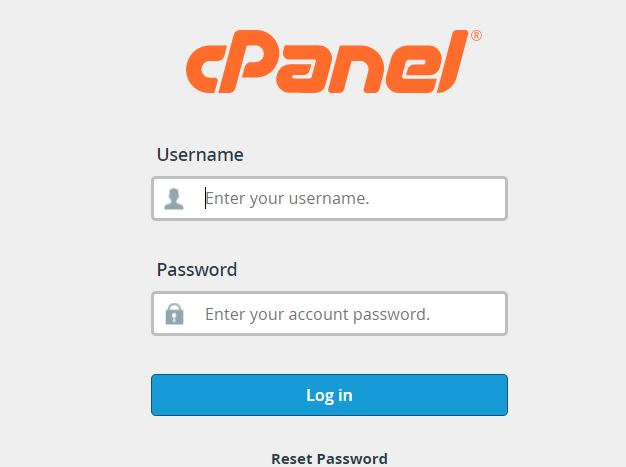
- Log onto you cPanel
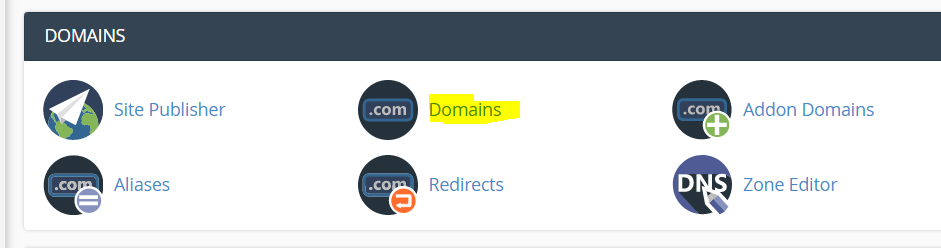
- Under domains click on Domains.
- Click on "Create" a new domain

- Add in your domains Do not add www before the domains. Simply add it as "example.co.za"
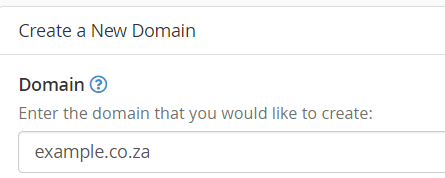
- Choose where you want the files to root to or you can leave it to the default, eg /home/olgwxnsf/public_html
- Click on Submit to save the domain
- Please check that the added domain's name servers are point to Cybersmart's servers