- Log in to your Customer Zone
- Go to "Services"
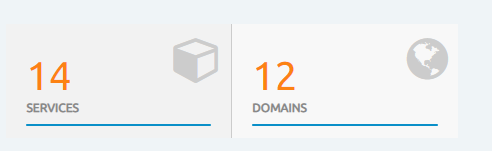
- Click on active of the cPanel account you wish to manage.

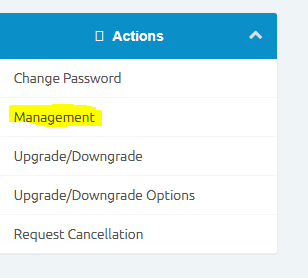
- Click on Management on the menu on the left
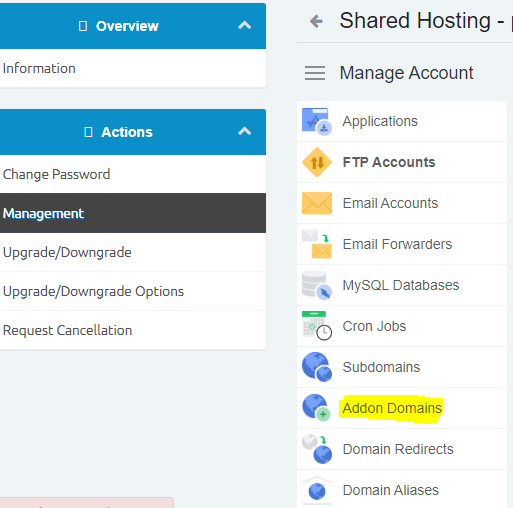
- Click on Addon Domains
- Add in your domain. Do not add www before the domain. Simply add it as example.co.za
- The password added will be used as the FTP login
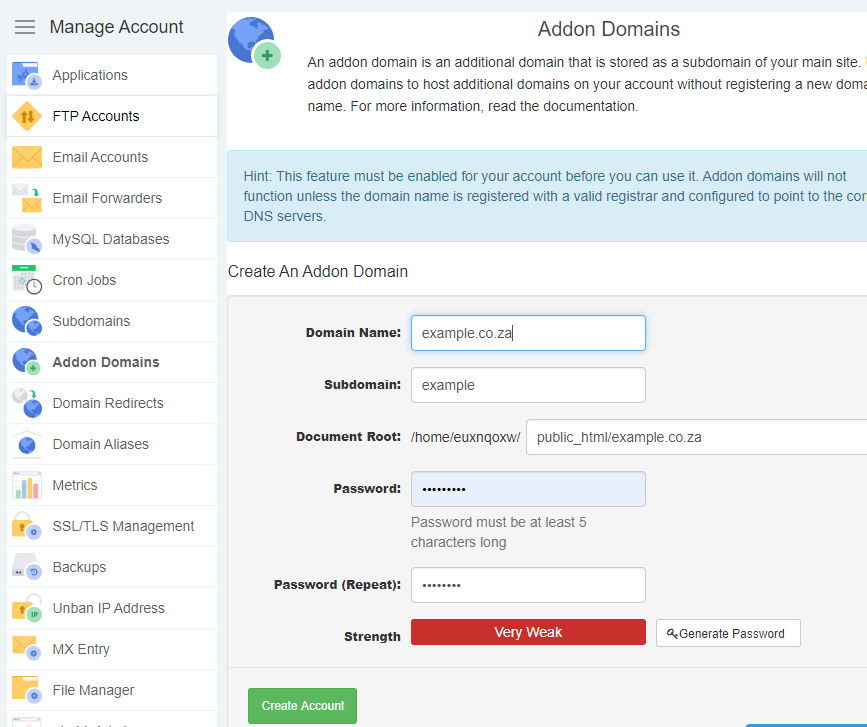
- Click on Create Account when done and the domain will be added to the cPanel.
- Please check that the added domain's name servers are updated to point to Cybersmart's servers.